
Collage Maker — Photo Collage & GIF from Your Photos
See it in action
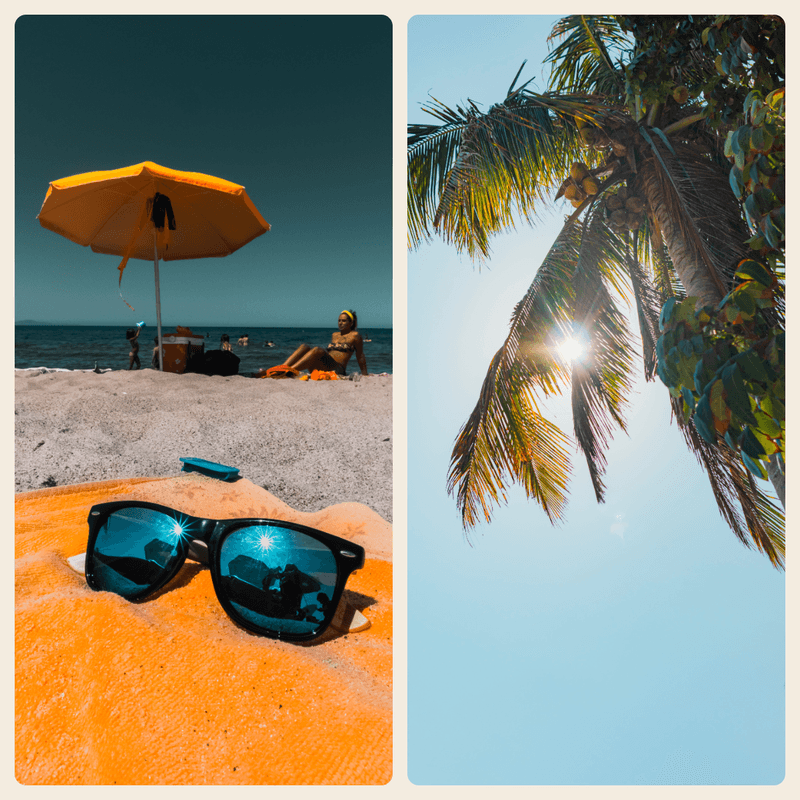
2-up pair

4-up grid
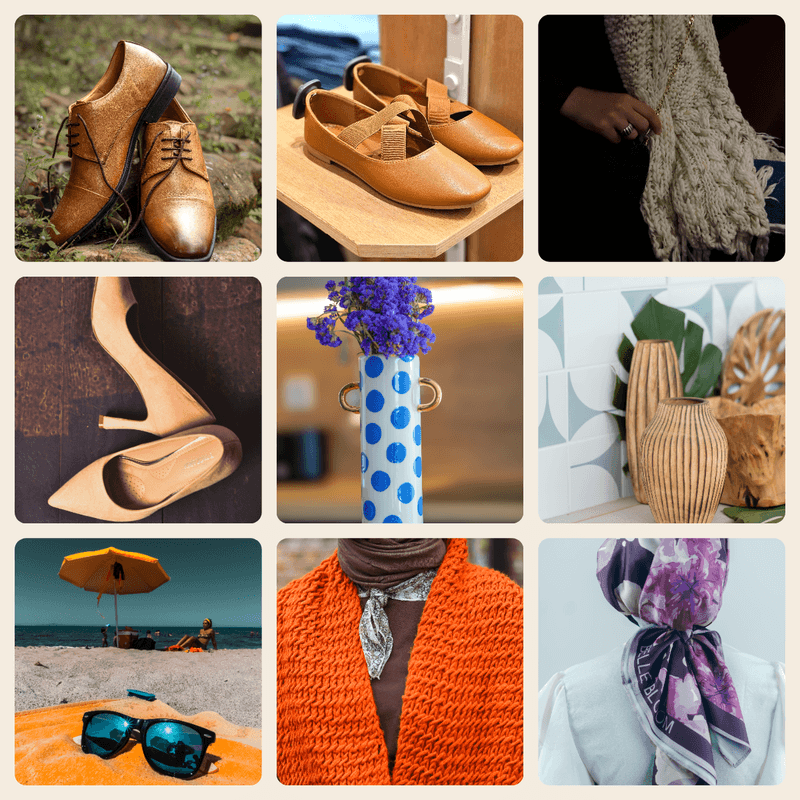
Product line-up

GIF frames
Four steps
Upload photos
Drop two or more photos (JPG, PNG, WebP, or HEIC).
Pick collage or GIF
Choose a grid layout for a photo collage, or switch to GIF to animate the frames.
Make
Click make — the grid (or animated GIF) is composed in your browser.
Download
Save a photo collage as PNG/JPG, or a looping .gif.
What is a collage maker?
A collage maker arranges several of your photos into a single image — a 2-up, a 4-up, a 6-up grid — so you can show several pictures in one frame without placing each one by hand.
This one does double duty: lay the photos out as a static photo collage, or switch to GIF mode and the same pictures become frames of a looping animated GIF. Everything runs in your browser, so your photos are never uploaded.
Why use it
Photo collage
Arrange your pictures into a clean 2, 3, 4, 6, or 9-cell grid and export one PNG or JPG.
Animated GIF
Turn each photo into a frame, set the speed, and download a looping .gif — make a gif from pictures in seconds.
Any layout
Pick the grid that fits your photo count — a pair, a square, or a full product line-up.
Free & in-browser
Free online collage maker — no signup, no install, no watermark. Your photos never leave your device.
deervo vs other popular collage makers.
deervo vs Canva
- No design canvas or account — pure collage maker
- Faster: upload → grid → download
- Built-in GIF mode, not just static collage
- Runs locally, nothing uploaded
deervo vs Picsart
- Free, no signup
- Make a collage or a GIF in one place
- Works in any browser
- No app to install
deervo vs Fotor
- No per-collage paywall
- Instant grid in your browser
- 2-up to 9-up layouts
- Free with no watermark
deervo vs PhotoGrid
- Runs in any browser — no app
- Clean even grids, auto-spaced
- Also exports an animated GIF
- No account required
Frequently asked questions
Is the collage maker free?
Yes — completely free, no signup, no watermark. Every collage and GIF is composed in your browser, so there's nothing to pay for or log into.
How do I make a photo collage?
Upload two or more photos, pick a grid layout that matches your photo count (2, 3, 4, 6, or 9 cells), and click Make collage. The tool arranges your pictures into a single image you download as a PNG or JPG.
How do I make a photo collage for free?
Use our free in-browser collage maker — no signup, no install. Upload your photos, pick a layout, and download. Nothing is ever uploaded to a server.
Can it also make a GIF?
Yes. Switch to GIF mode and each uploaded photo becomes a frame of an animated GIF. Set the frame speed and download a looping .gif — make a gif from pictures in seconds.
How do I make a picture collage?
Exactly the same way as a photo collage: upload the pictures, choose a grid, and export. 'Picture collage' and 'photo collage' are interchangeable here — the tool lays out JPG, PNG, WebP, and HEIC alike.
How do I make a GIF from images?
Upload the images you want as frames, switch to GIF mode, set the speed, and click Make GIF. The frames are encoded into a looping animated GIF you can download.
How many photos can I put in a collage?
Upload anywhere from two photos up to nine. The grid auto-fits your photo count — a 2-up for a pair, a 4-up or 6-up for a line-up, a 9-up for a full grid.
Are my photos uploaded to a server?
No. The collage grid and the animated GIF are both built locally in your browser — your photos never leave your device.
What output do I get?
A photo collage exports as a PNG or JPG. GIF mode exports a looping .gif. PNG keeps the sharpest edges; use JPG for a smaller collage file.
Is this a Canva or Picsart alternative?
Yes. deervo gives you the same one-click photo collage, plus a built-in GIF maker, a free in-browser demo with no signup, and no app to install.