
Live compare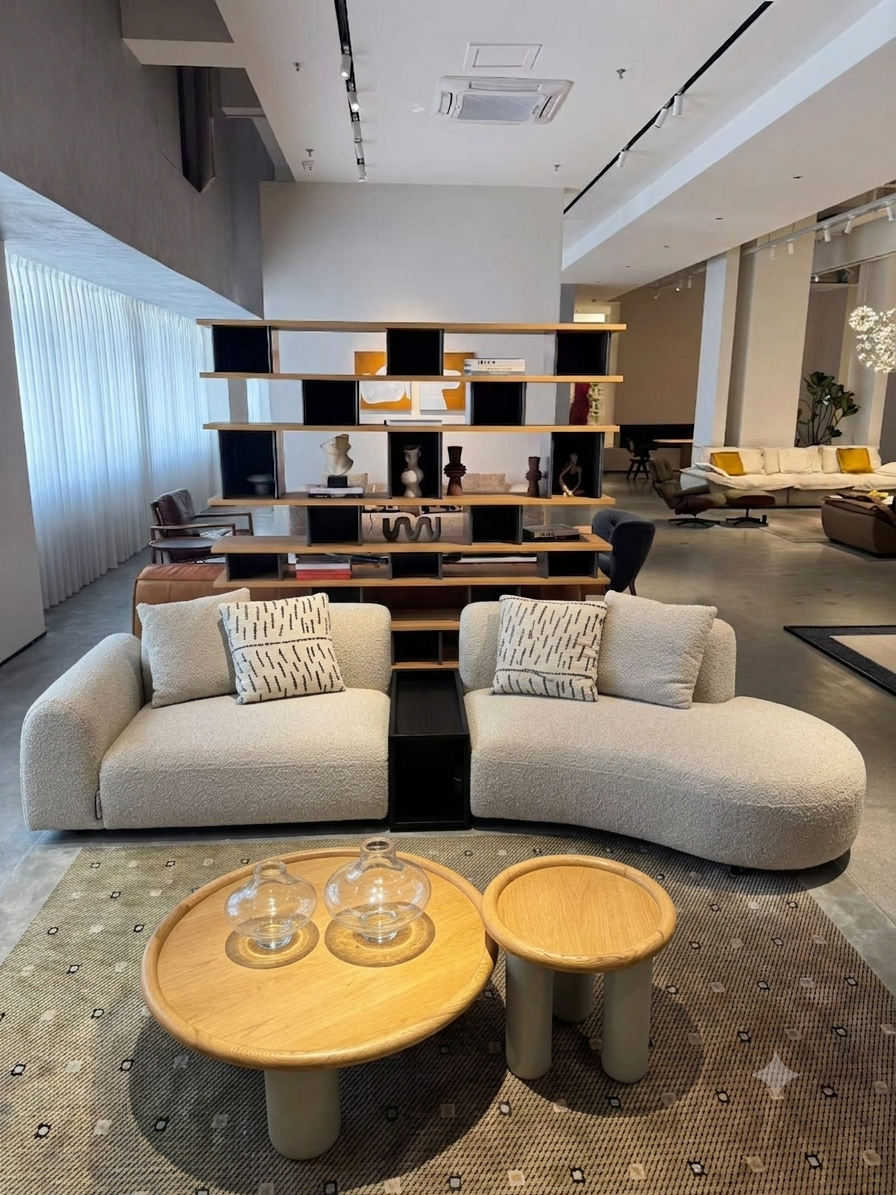
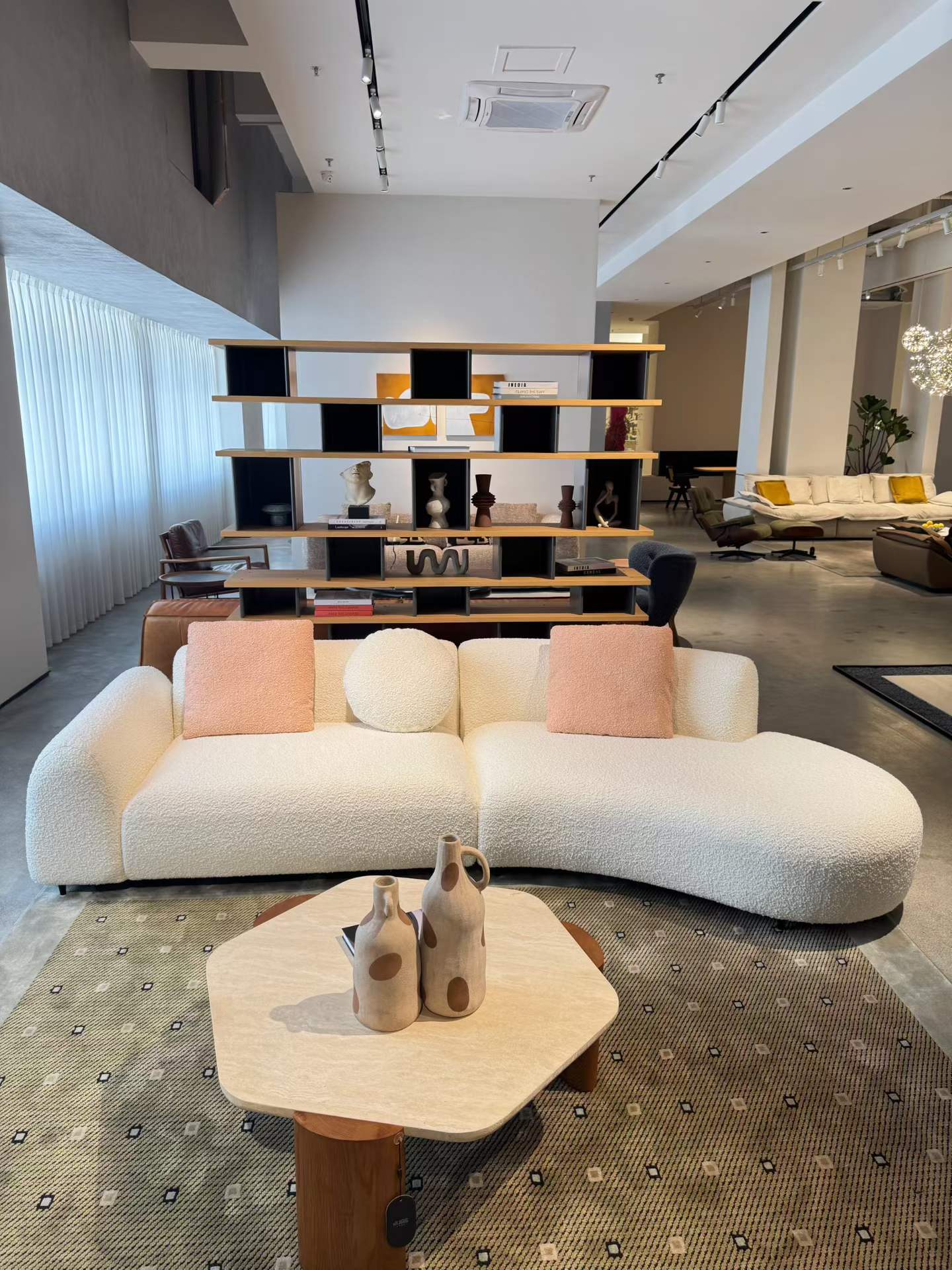 BeforeAfter
BeforeAfterSofa
Object replace
White background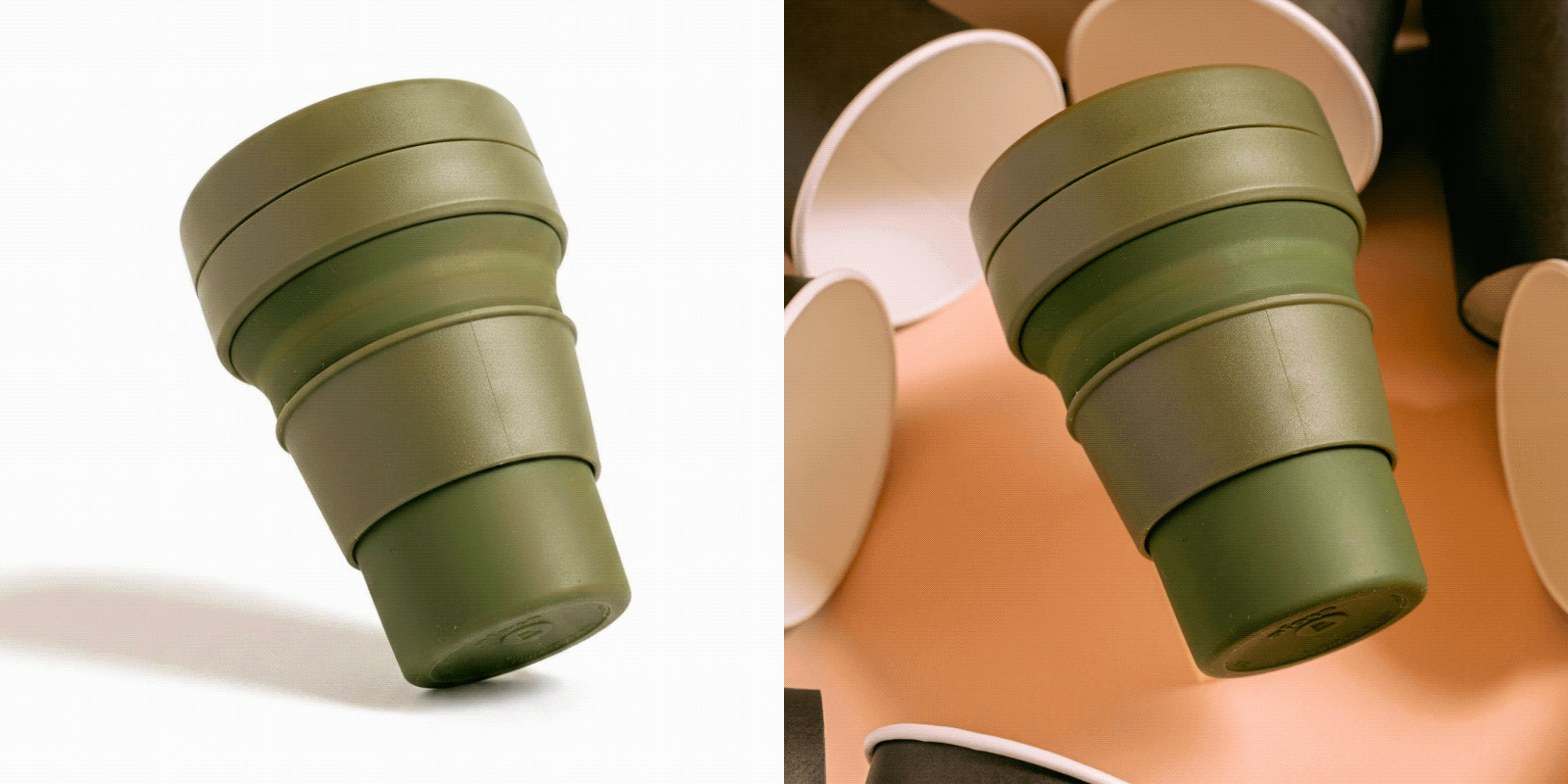
Phone photos, studio results White background, marketplace-ready One look, whole catalog No software, no signup
How it works
Four steps. No software.
The shortest path from a photo to a finished shot.
01
Pick a tool
Change or remove the background, upscale, convert — pick what you need.
02
Upload
Drop in the product photo you want to process.
03
Process
The AI handles it in one click — subject kept, result natural.
04
Download
Save PNG / JPG. No account required.


Ready to upgrade your product photos?
Upload one photo and see the difference in seconds. No account, no software.
Open the studio →