
White Background Maker — Amazon-Ready Product Photos
See it in action
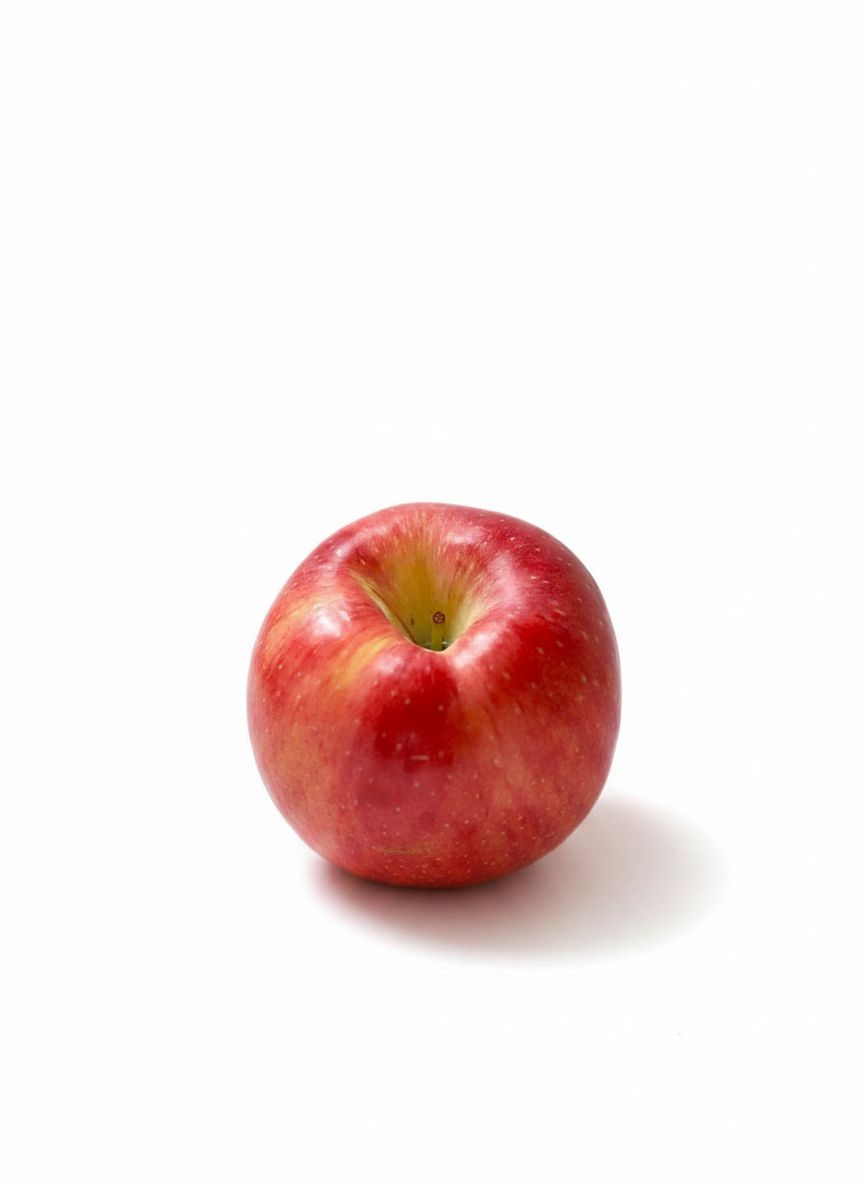
Apple on pure white
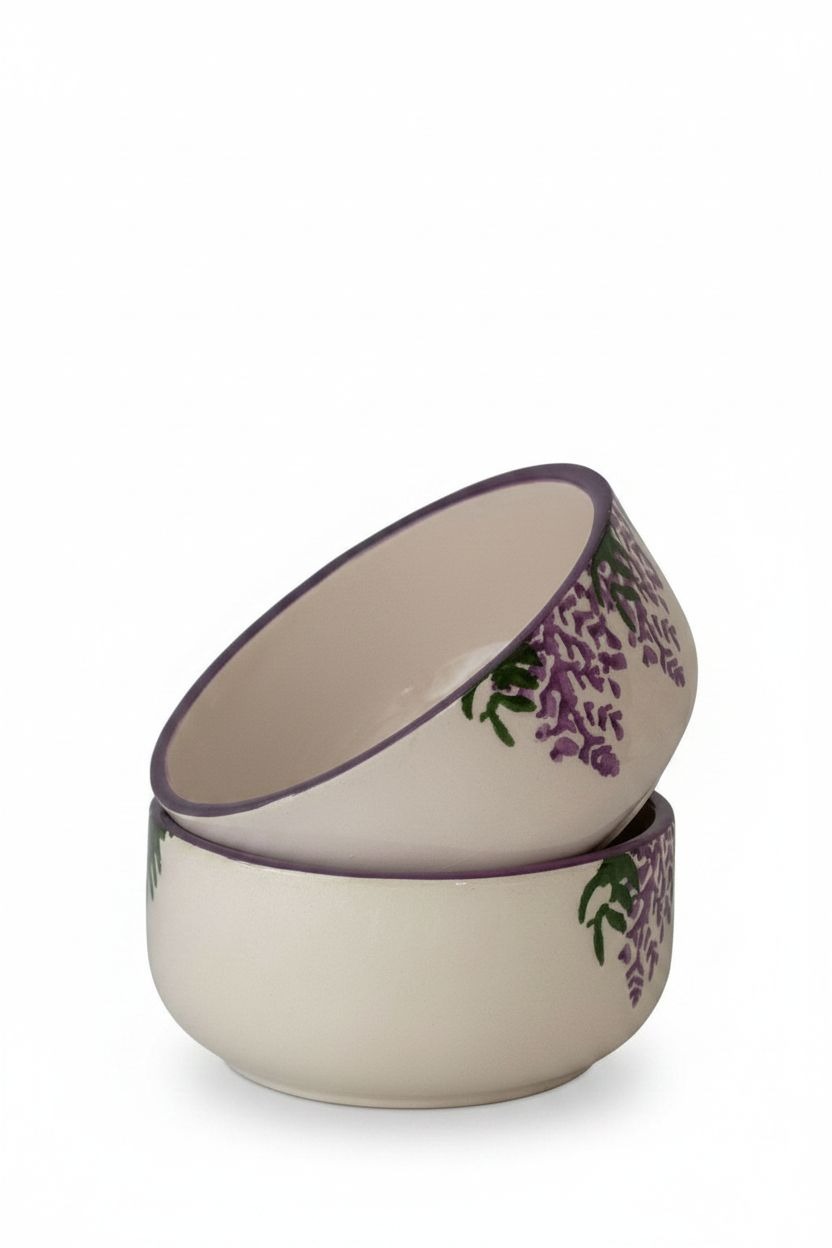
Bowl on pure white
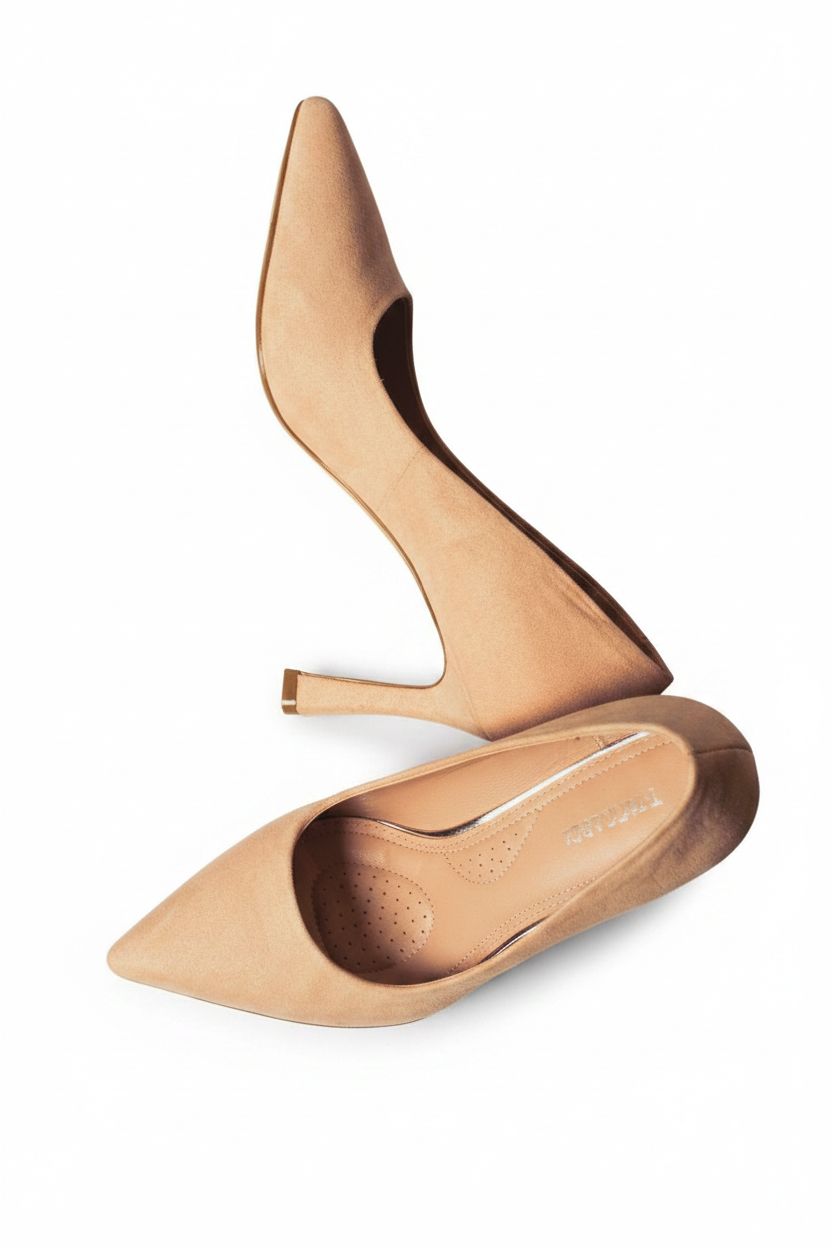
High heel on pure white
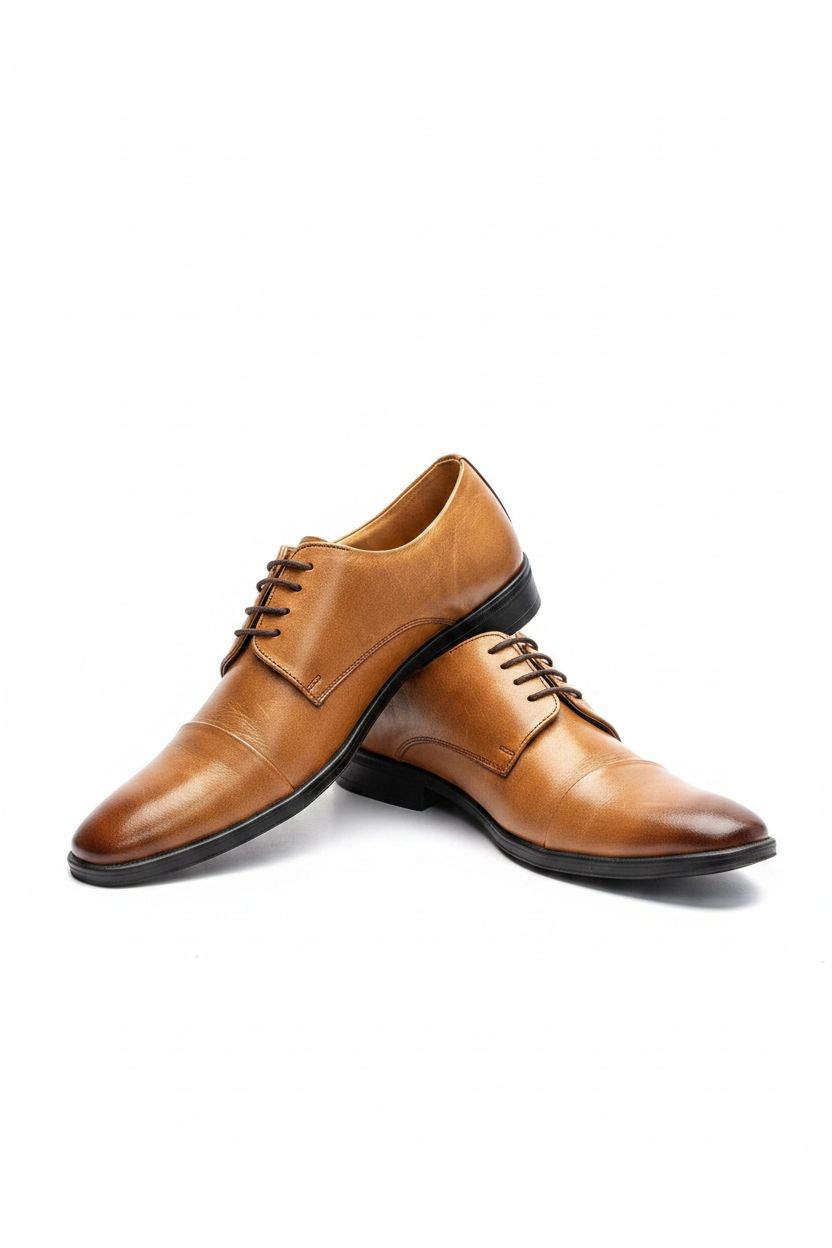
Flat shoe on pure white
Four steps
Upload
Drop a product photo (JPG or PNG).
Pick white
Choose the White preset for a pure white background.
Change
Click change — the AI cuts out your product and places it on pure white.
Download
Save a clean, marketplace-ready PNG.
What is a white background photo?
A white background photo is a product image where the area behind the subject is pure white (RGB 255,255,255) rather than a colored or lifestyle backdrop. It's the standard format for Amazon, Shopify, and eBay main images.
Our white background maker reads your photo, keeps the product identical, and replaces the original background with clean white — then exports a sharp PNG ready for any marketplace listing.
Why use it
One click
No masking or layers — the AI finds your product and swaps the background for pure white.
Amazon-ready
Pure white (RGB 255,255,255) that meets Amazon's main image rules — no grey, no cream.
Soft contact shadow
A soft contact shadow grounds the product on white so it doesn't look pasted on.
Free & in your browser
Change a photo background to white free, no signup, no API key — the AI runs locally and your photo is never uploaded.
deervo vs other popular ways to get a white background.
deervo vs Photoroom
- Runs locally, no upload
- Pure white that meets Amazon rules
- Soft contact shadow so the product sits naturally on white
- Free, no signup
deervo vs remove.bg
- Same one-click cut-out onto white
- Free, no signup
- Pure-white fill, not just transparency
- Clean PNG export
deervo vs Canva
- No design canvas needed — pure white-background tool
- Faster: upload → white → download
- AI relighting matched to white
- Works without a subscription
deervo vs Photoshop
- No learning curve or manual masking
- No software to install
- One click vs a Solid Color fill layer
- Instant Amazon-ready PNG
Frequently asked questions
How do I change a photo background to white?
Upload your photo, pick the White preset, and click Change. The AI cuts out your product and places it on a pure white background, then returns a clean PNG you can use as a marketplace main image.
Is the white background maker free?
Yes — completely free, no signup, no API key. The AI cut-out runs locally in your browser, so your photo is never uploaded and there's nothing to pay for or log into.
How do I change the background to white for free?
Upload the photo, pick the White preset, and click Change. The AI runs locally in your browser, cuts out your product, and places it on pure white — completely free, no signup, no API key, and your photo never leaves your device.
Is this white pure enough for Amazon?
Yes. The White preset fills the background with pure white (RGB 255,255,255), which is what Amazon's main image rules require. Avoid grey or cream fills, which can get a listing suppressed.
How do I change a black background to white?
Upload the photo and pick the White preset. The AI removes the dark background regardless of its color and places your product on pure white — no need to select the black area manually.
How do I change the background from black to white?
The same one-click process works for any original color. The tool reads your subject, not the background, so it cuts the product out cleanly even against black and drops it onto pure white.
How do I change an image background to white as a PNG?
Upload a JPG or PNG and the maker outputs a PNG on a pure white background. If you need a transparent canvas instead, use our background remover — both start from the same upload.
Does it change my product?
No — the AI keeps the product identical in design, color, material, and proportions. Only the area behind it becomes pure white, with subtle relighting so it sits naturally.
What files can I put on a white background?
Upload a JPG or PNG up to 8 MB. The output is always a PNG on pure white, which preserves the clean composite and any fine edges.
Is this a Photoroom alternative for white backgrounds?
Yes. deervo gives you the same one-click white background, plus AI relighting. Free, no signup, no API key — it runs entirely in your browser.