
All-in-One AI Product Photo Editor for Ecommerce
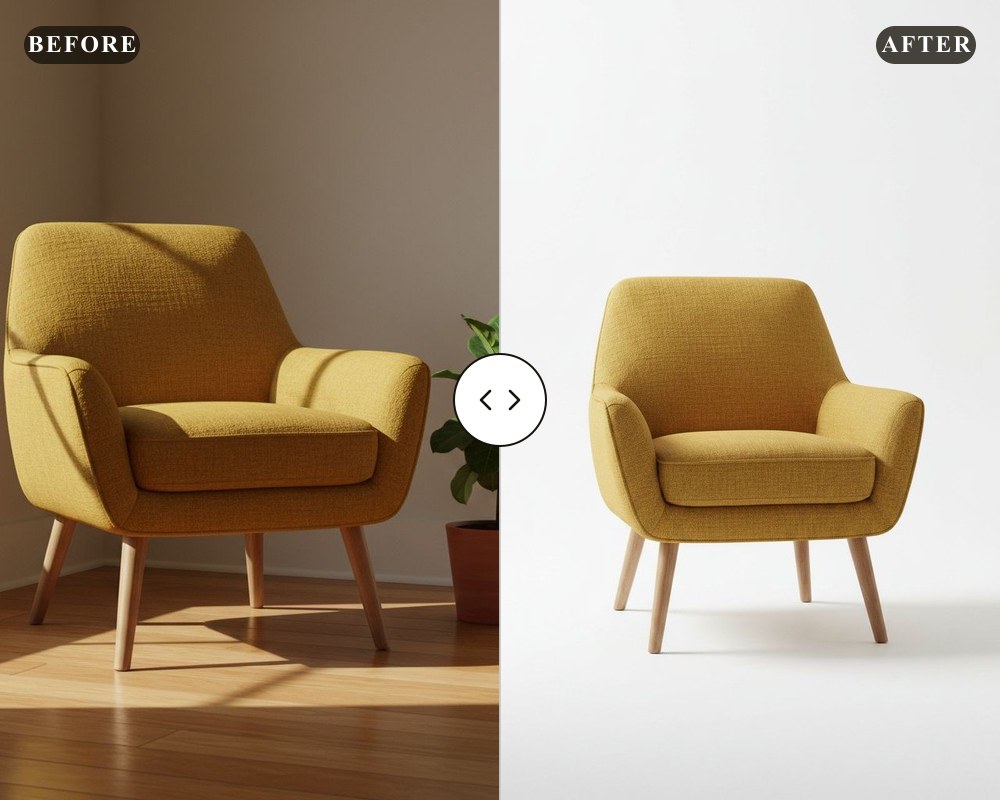
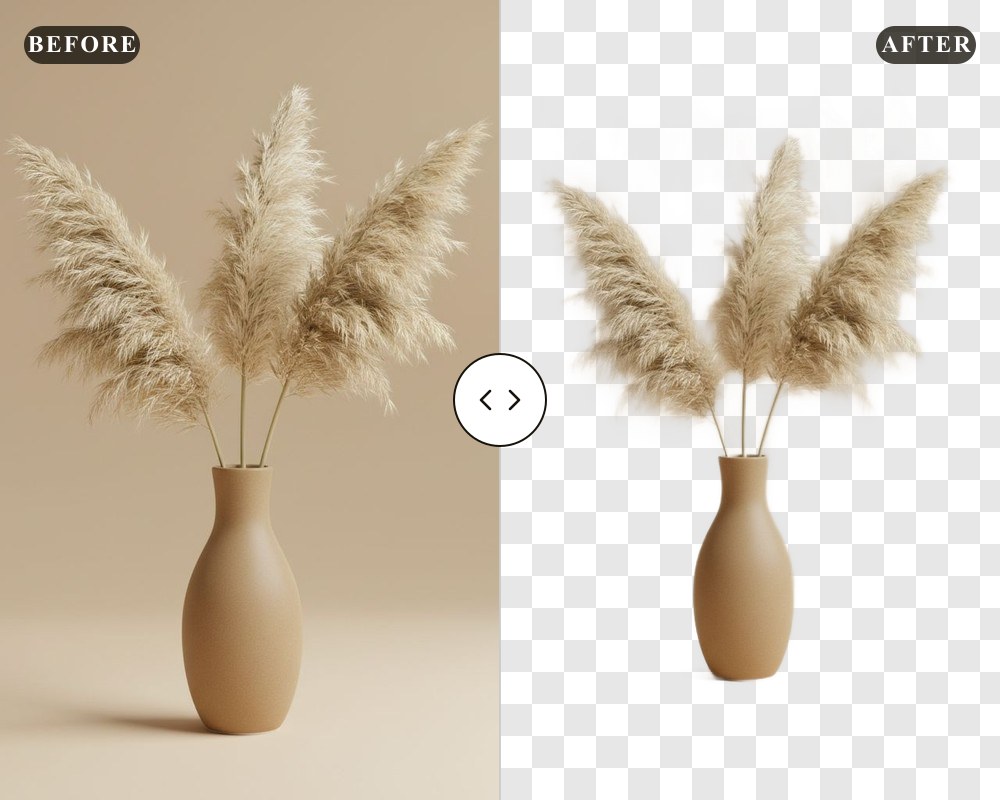
Remove backgrounds, generate AI product photos, resize & enhance—in seconds.
deervo is the AI product photo editor built for Amazon and Shopify sellers—bulk-ready, browser-based, no design skills required.

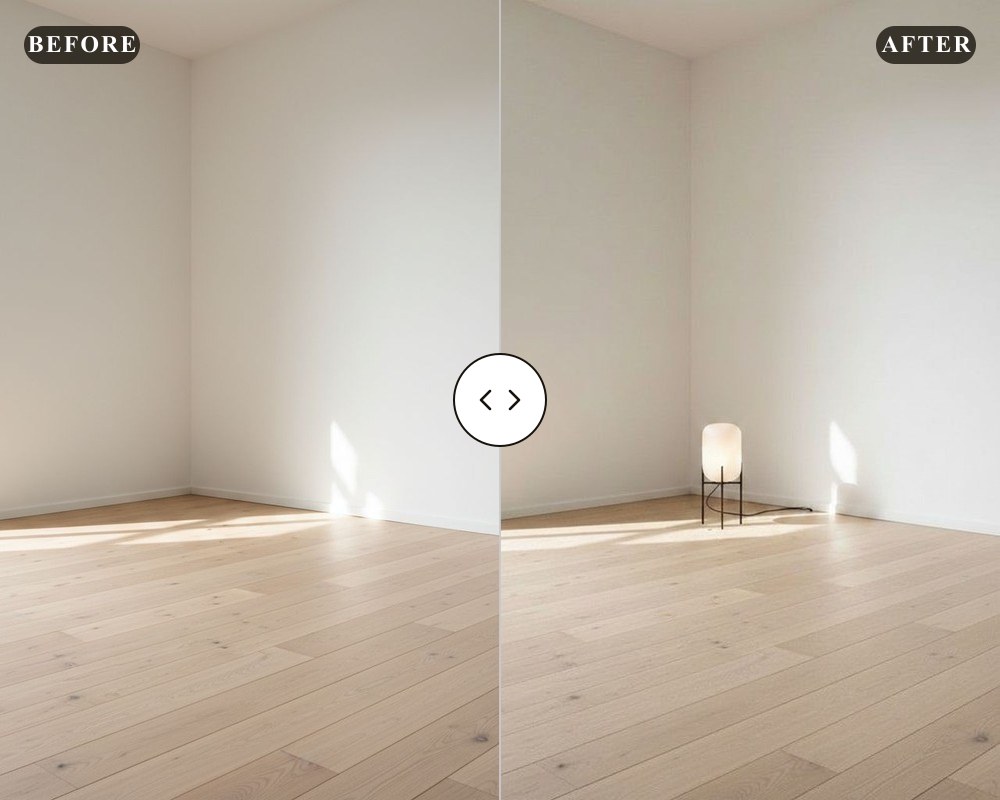
 BeforeAfter

Ecommerce Product Photo Tools
One workspace for every product image task—each tool ships ecommerce defaults.
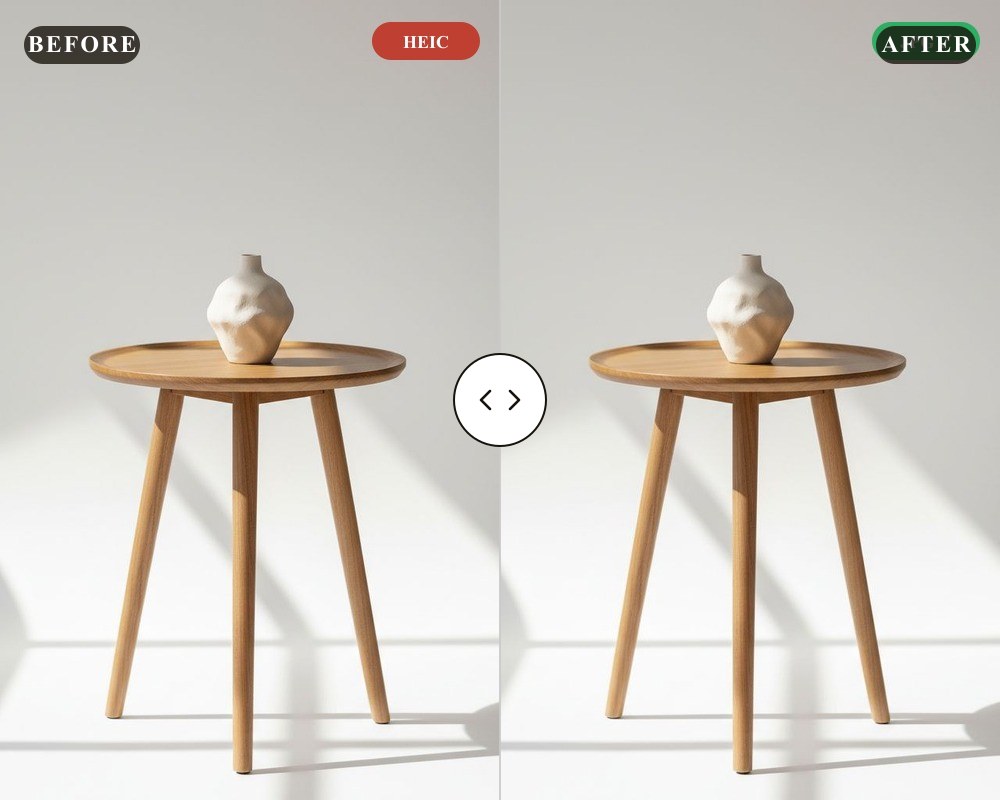
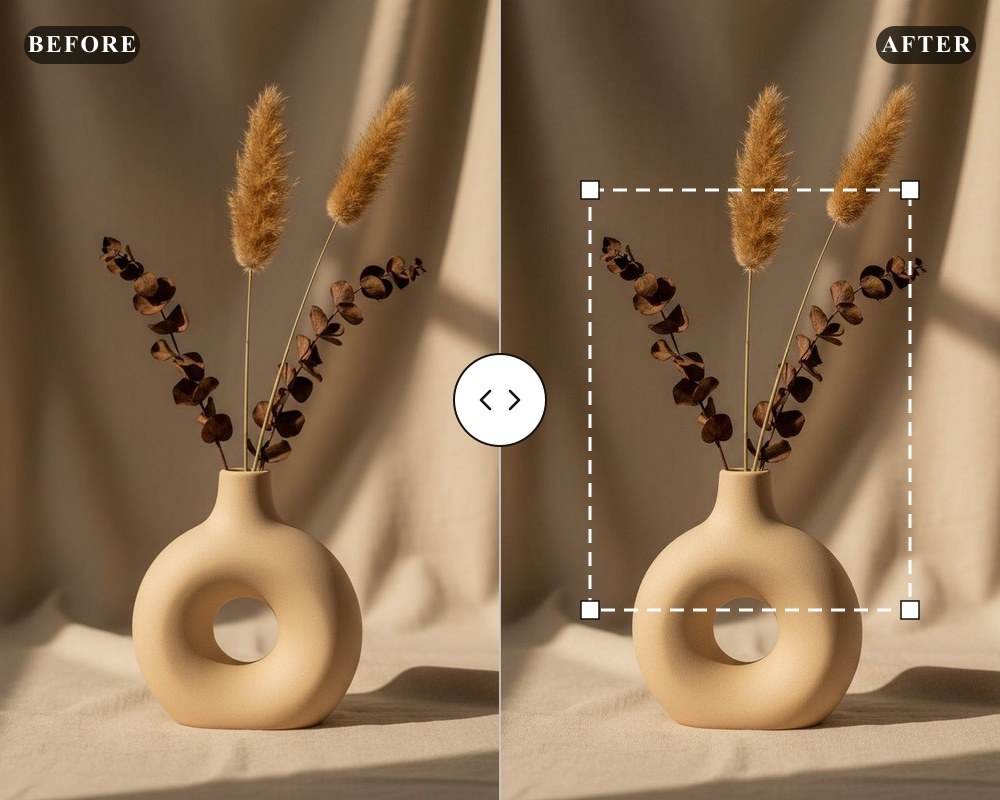
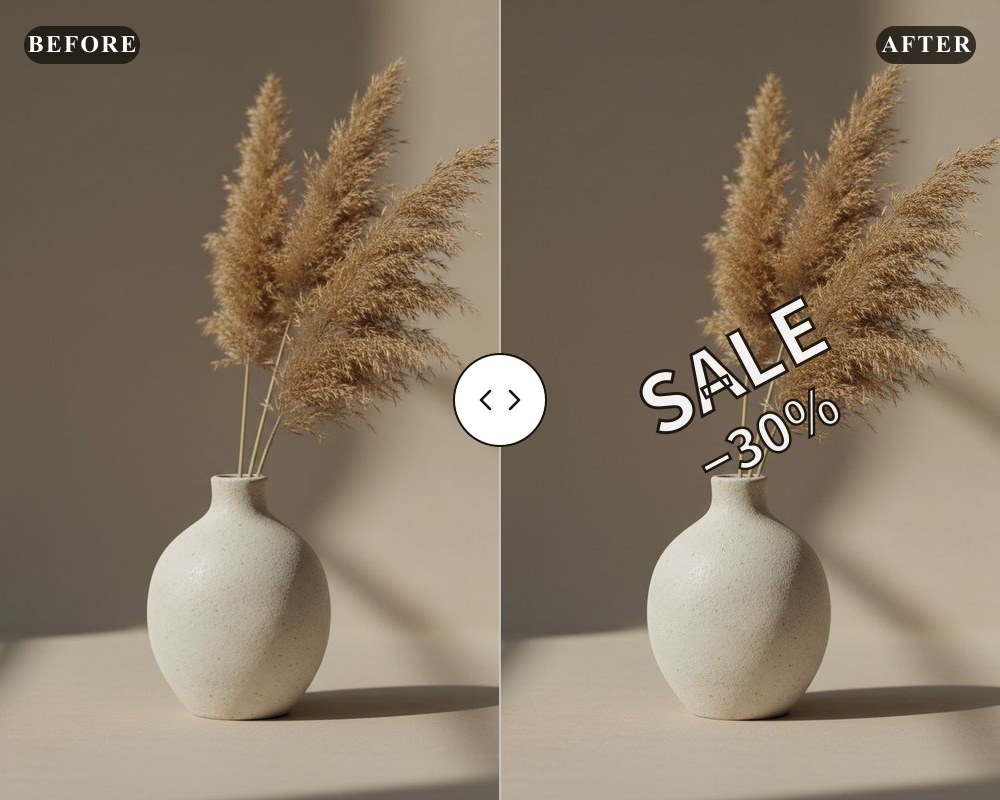
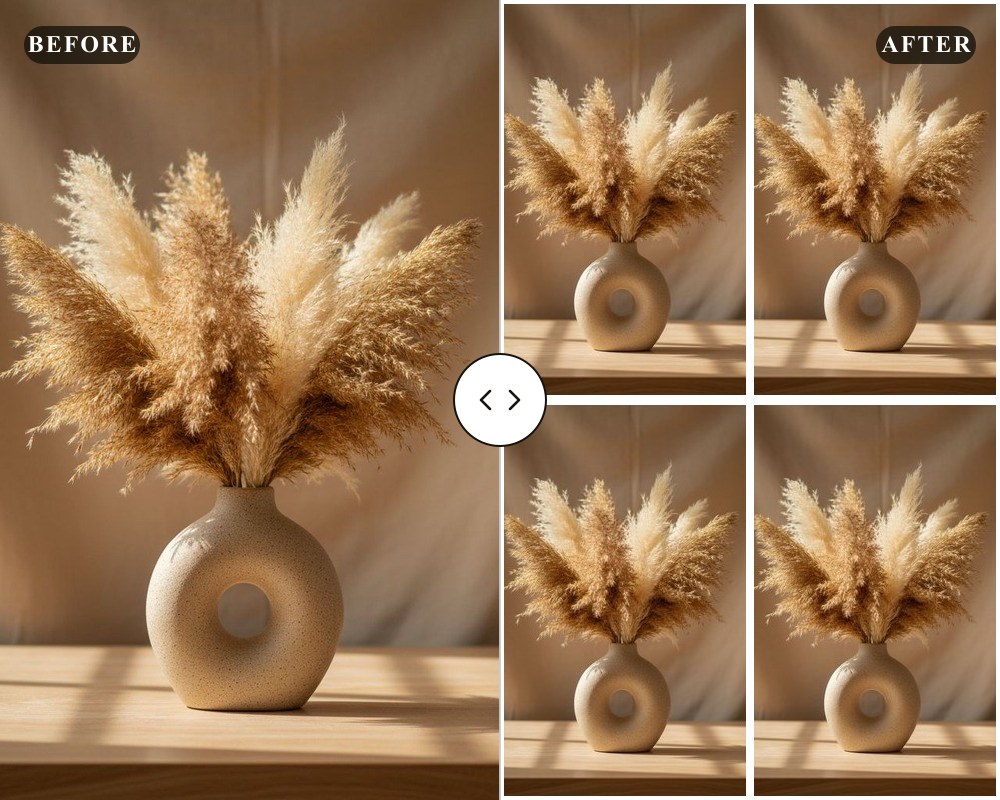
For Amazon, Shopify & Beyond
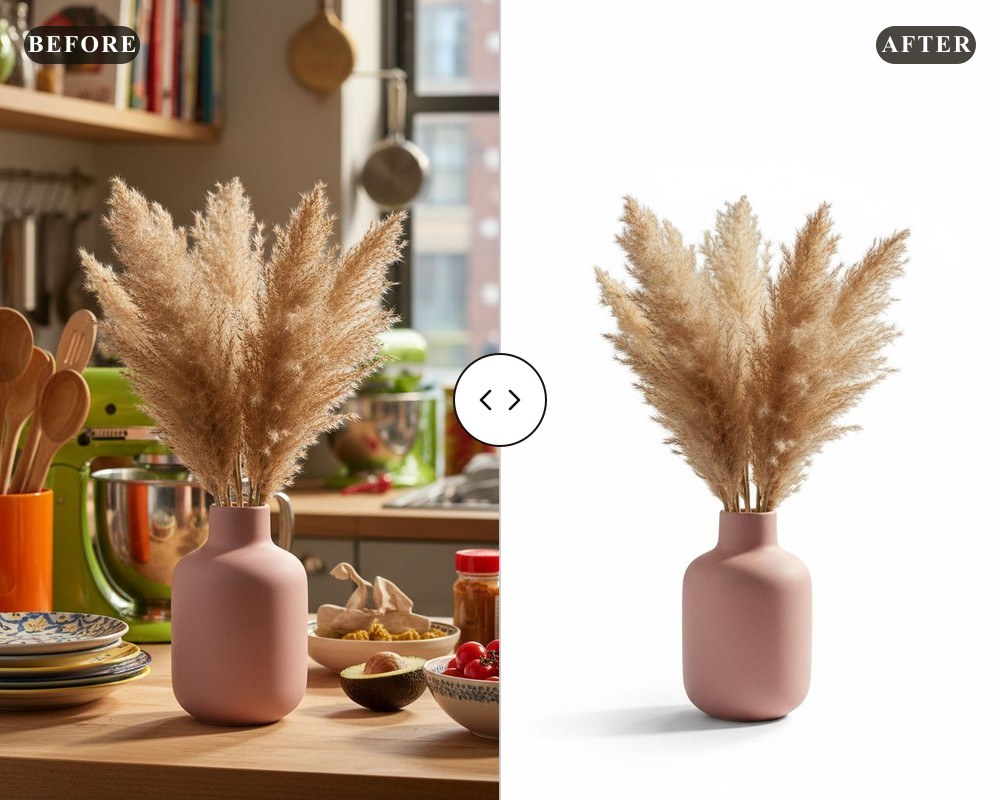
Sellers list on Amazon, Shopify, eBay and Etsy—each with its own image rules. deervo ships presets for Amazon main-image white backgrounds (RGB 255), Shopify product photo ratios, and catalog-wide batch processing.
Run a full season drop in one pass: bulk product photo processing across apparel (ghost mannequin), jewelry, shoes, bottles, furniture and cosmetics.
AI-Powered, Batch, Online
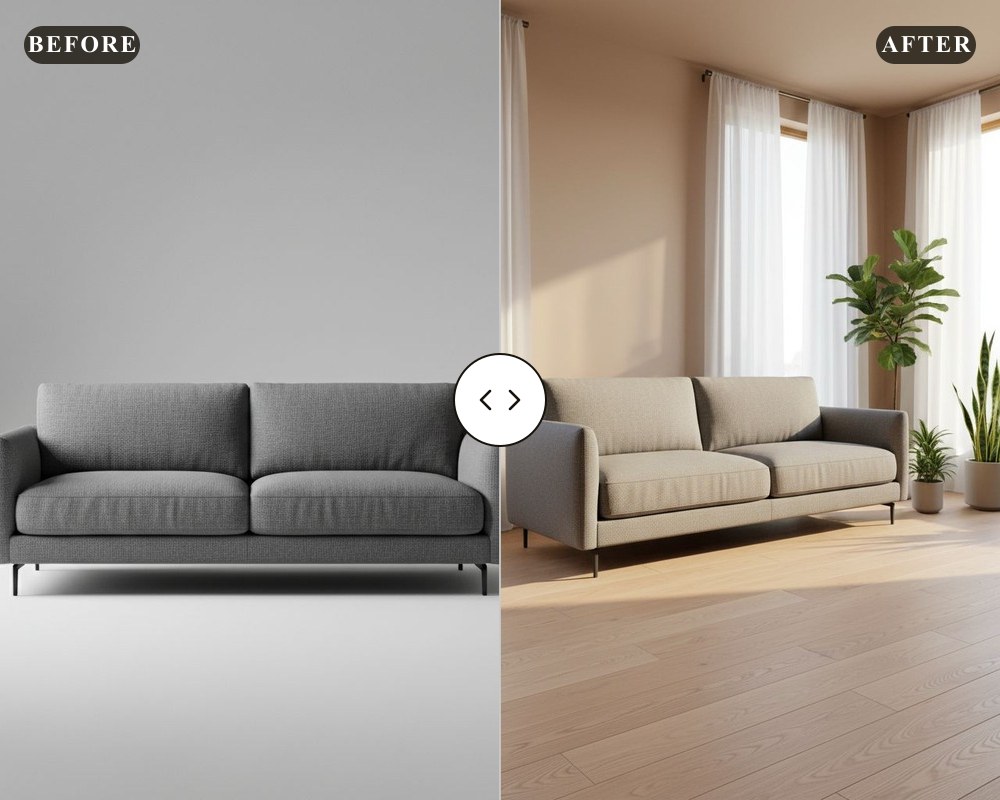
Generative AI handles backgrounds and scenes; the ai image generator turns a single product snap into a set of studio shots. Drag and drop a whole catalog, process in bulk, and download in seconds—all online.
Product Photo FAQ
How to prep a white main image for Amazon?
Apply the Amazon preset for a compliant RGB 255 main image.
See the guide →How to resize an image for ecommerce?
Pick a marketplace ratio and resize to exact dimensions.
View the guide →How to fix a blurry product photo?
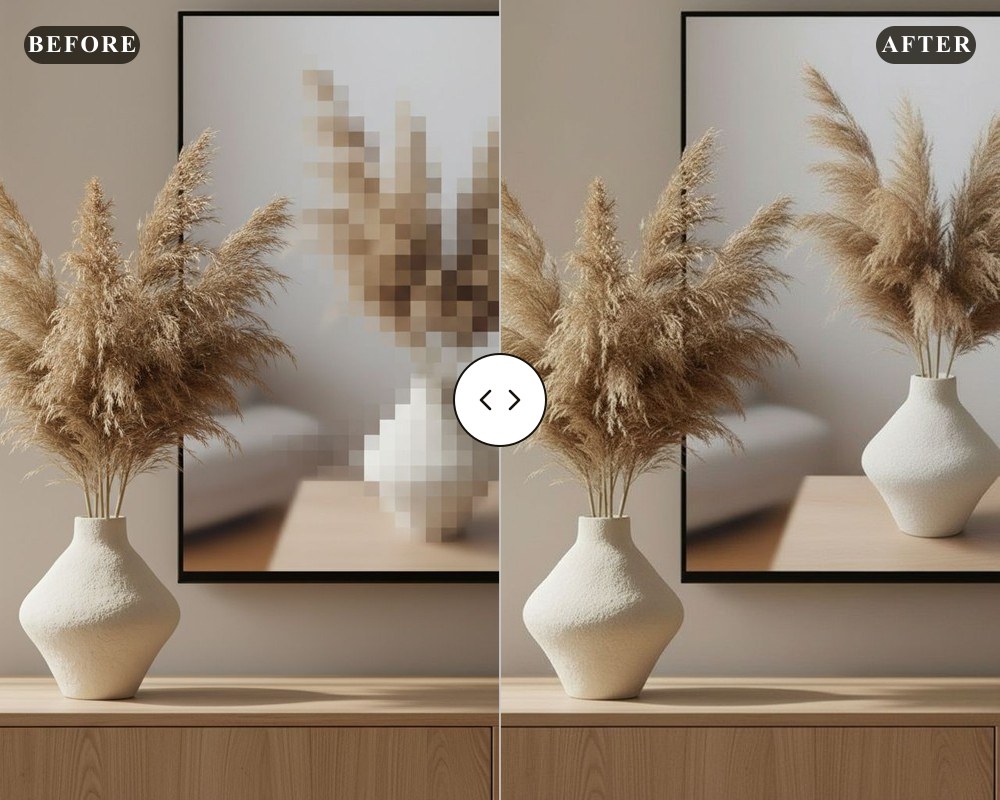
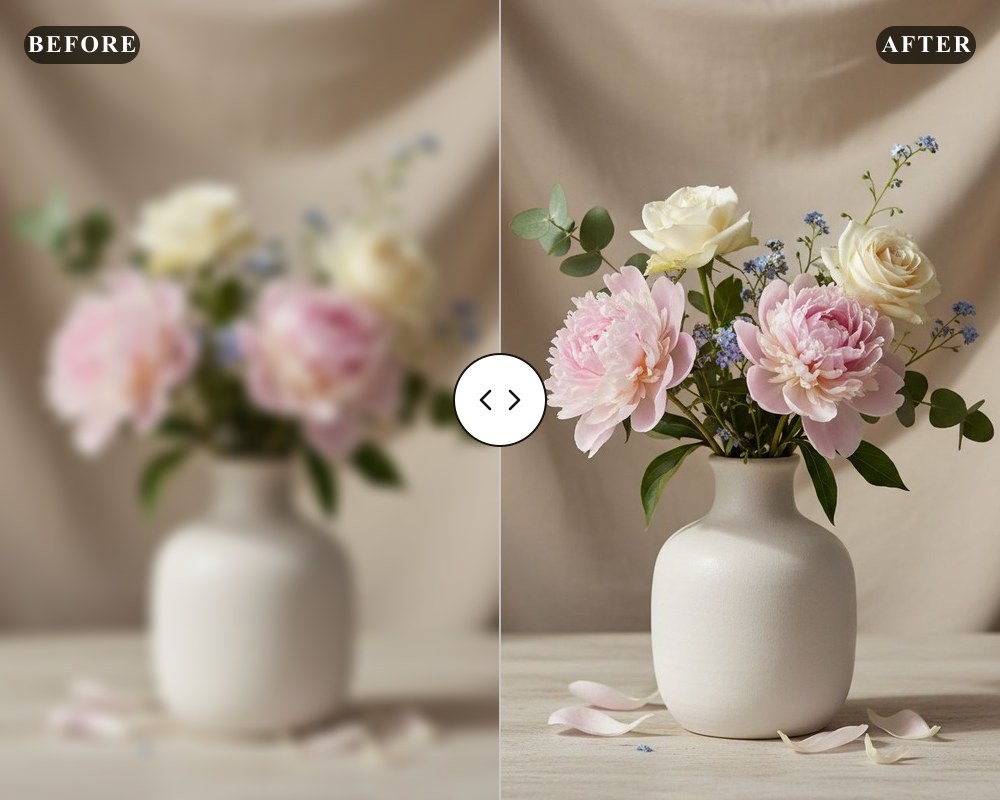
Slide the strength and restore edge sharpness before upload.
Read the guide →How to lay out product shots into a grid?
Assemble multi-angle shots into one listing image.
Open the guide →Ready to upgrade your product photos?
deervo is the AI product photo editor that turns raw product shots into marketplace-ready listings—upload one photo and see the difference in seconds.
Open the studio →